.png?imageMogr2/format/webp)
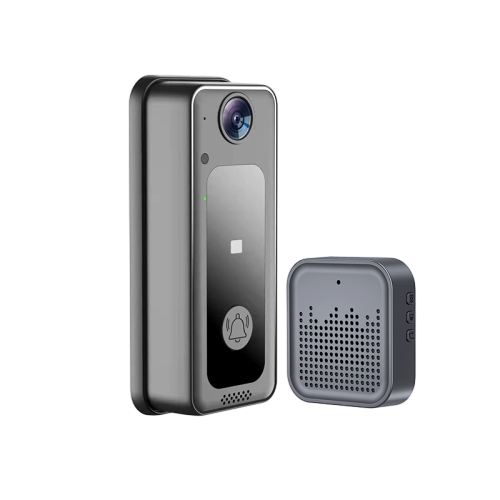
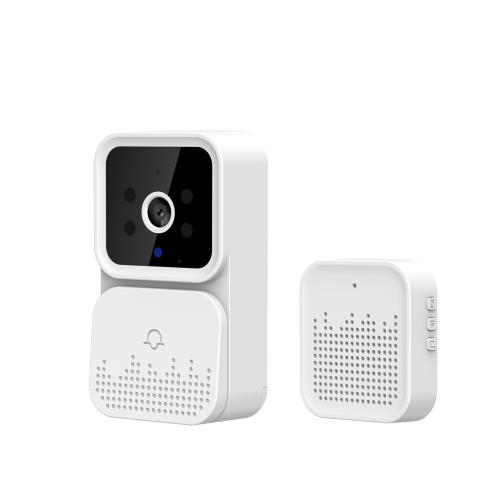
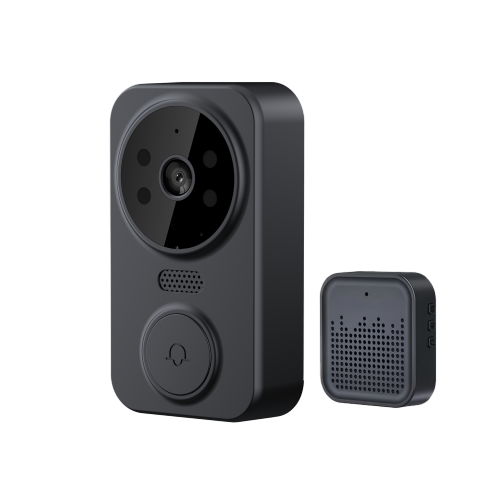
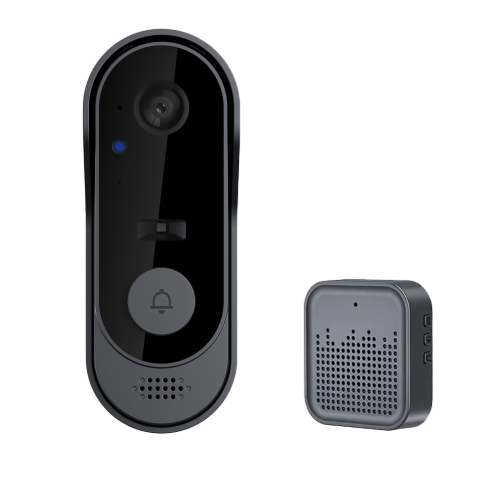
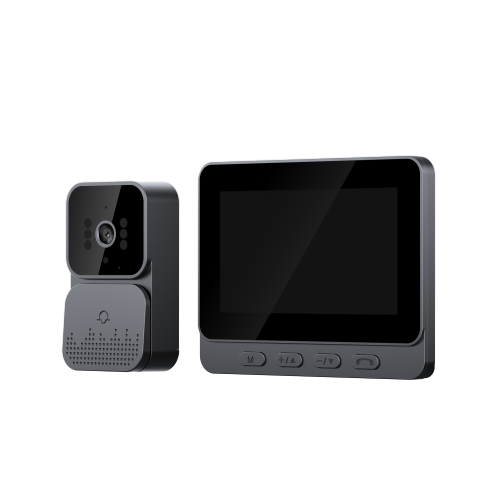
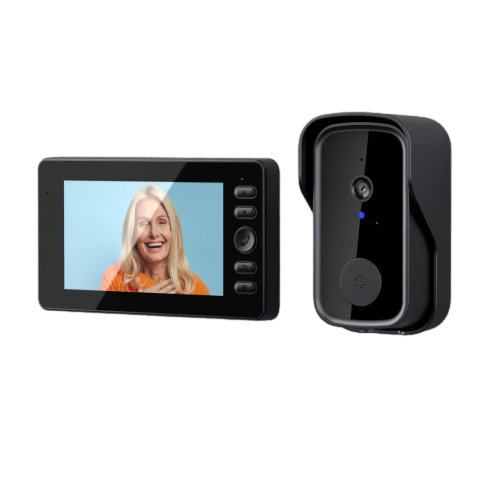
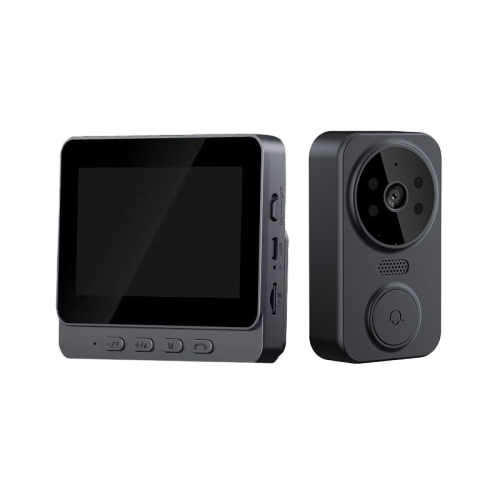
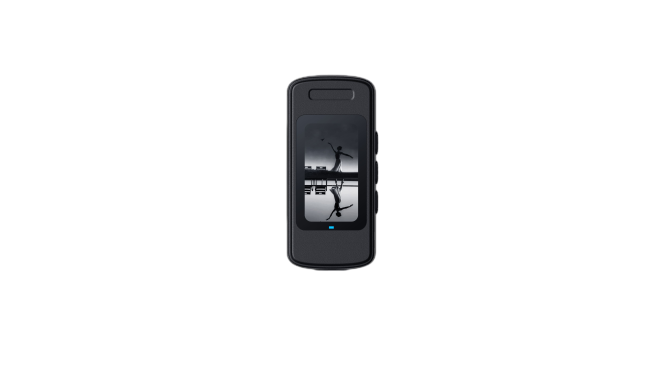
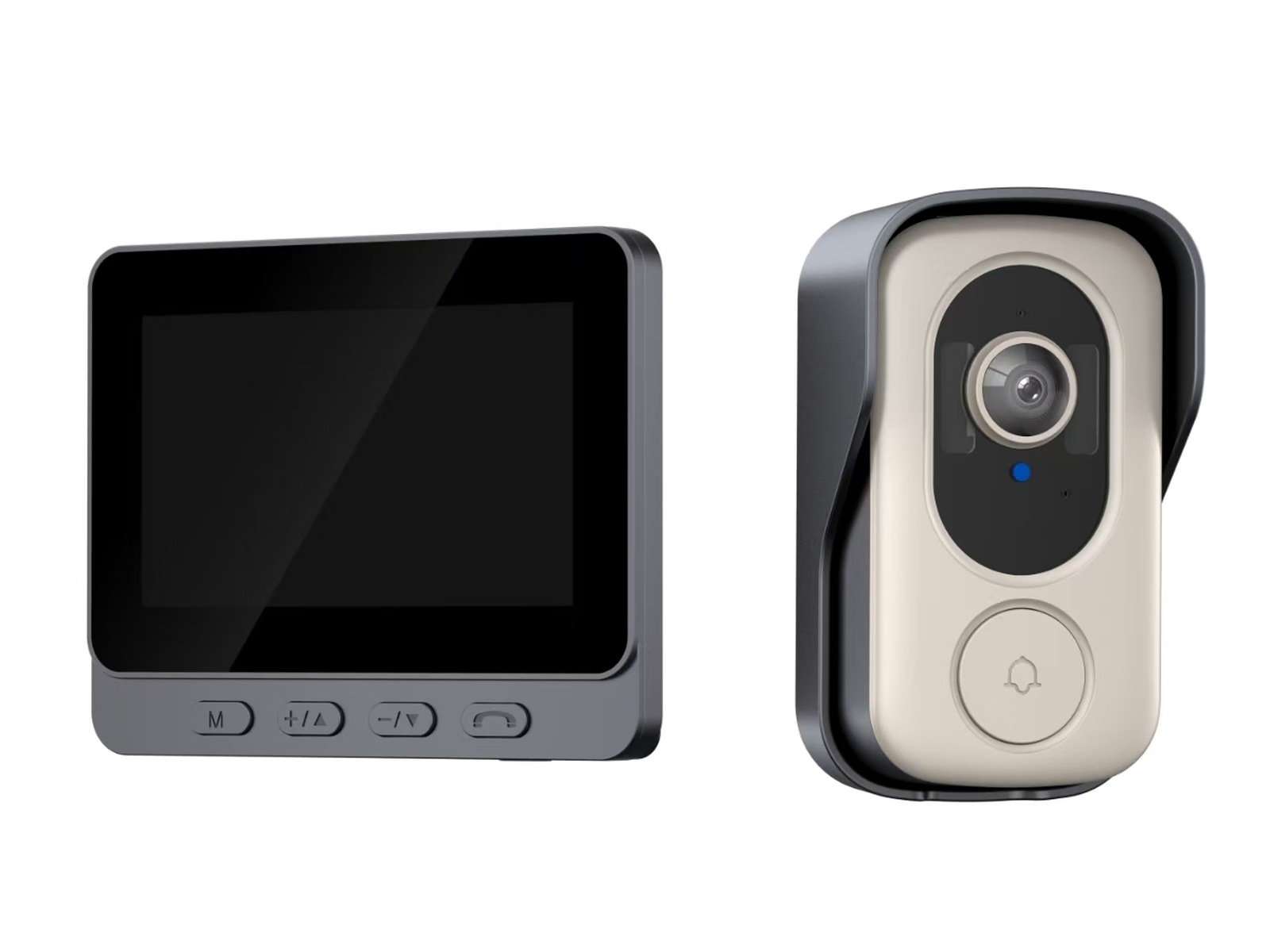
A conventional smart doorbell is a camera that lives on the internet. It sends video to a cloud server, your phone reaches that server to see the doorstep, and a subscription often keeps the arrangement running. For many households that is a fair trade. For landlords, shared buildings and privacy-sensitive sites, it is exactly the problem: footage leaves the property, and keeping access to it becomes an ongoing cost and a data-handling obligation.
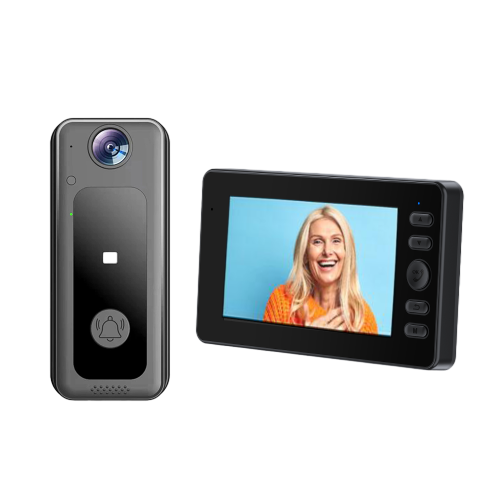
The M25S and M26S take the opposite approach. The specification sheet describes them as no-WiFi video doorbells with local storage: footage stays on the device, data does not travel over the internet, and privacy is more controllable. This guide explains what that design actually means, what it costs you in convenience, and the situations where it is the right answer.
What "No WiFi, Local Storage" Actually Means
The documented description is precise enough to build on: no WiFi, local storage, data not passing over the external network, and more controllable privacy. Translated into behaviour, it means three things.
- No wireless link. The doorbell does not connect to a home router or a cloud service, so there is no remote feed and no app notification when someone presses the button.
- Local recording. Video is saved on the device itself. To review it, someone retrieves the footage where the doorbell is installed.
- No subscription and no off-site data copy. There is no cloud account to maintain and no third party holding a copy of who came to the door.
The no-cloud design removes the network path entirely rather than securing it.
Why This Design Appeals to Privacy-Sensitive Sites
The privacy case is structural rather than a promise. If data never leaves the device, there is no cloud account to compromise, no provider holding a copy of entrance footage, and no cross-border transfer question to answer. For a landlord or a shared building, that removes a whole category of data-handling obligations.
This is a design fact, not a legal conclusion. Data-protection rules still apply to how an operator uses any camera that records identifiable people — notification, purpose and access control do not disappear because the footage is local. What changes is the risk surface: there is no remote store and no third-party processor in the path.
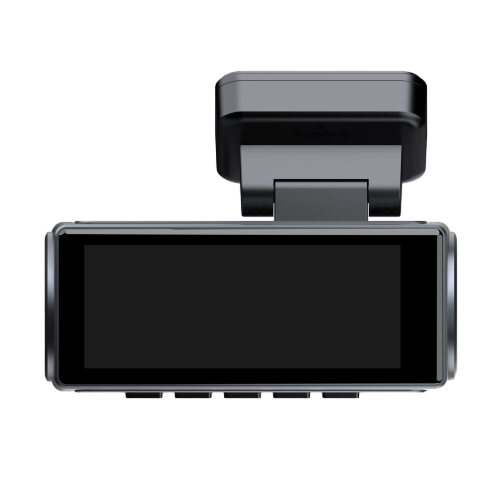
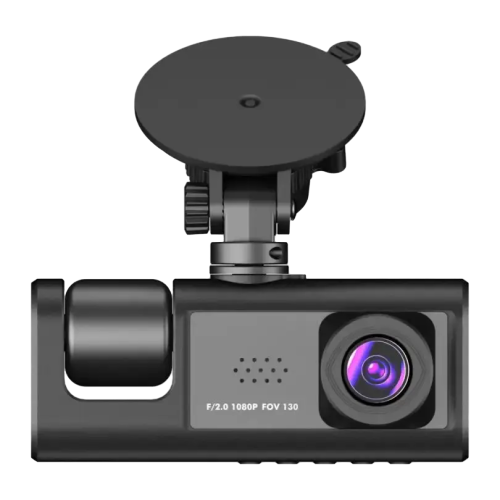
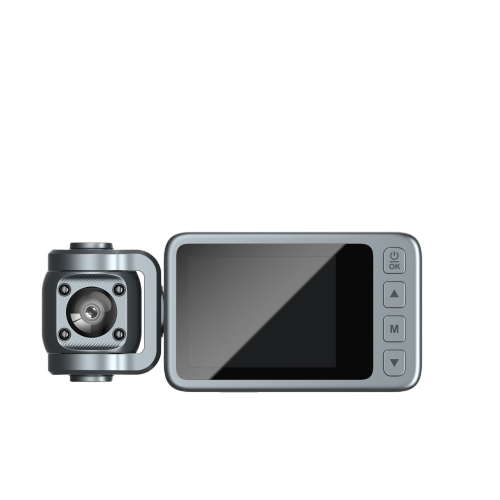
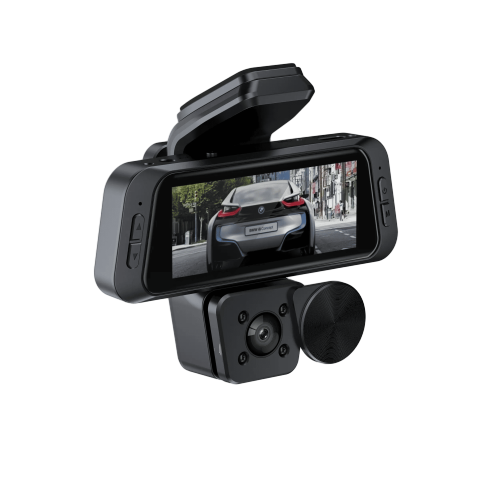
Both models are documented with a GC0328 sensor, a 130° fisheye lens and infrared night vision. The wide lens covers a whole doorway or small forecourt; the infrared method keeps the unit discreet at night. The reasoning behind those choices is set out in the night-vision comparison of infrared and white light.
The Convenience Trade-off, Stated Honestly
The same design that protects privacy removes convenience. A buyer should accept these limits before choosing it.
| What you gain | What you give up |
|---|---|
| Footage never leaves the property | No remote view from your phone |
| No cloud subscription | No push notification when someone presses |
| No third party holding video | Someone must be on site to retrieve footage |
| Smaller data-handling burden | No automatic off-site backup if the device is damaged |
The trade is explicit: data control in exchange for remote access.
If you are away for weeks at a time and want to see who is at the door from another city, this is the wrong product — a connected doorbell is what you need. If the doorbell serves a tenant entrance, a workshop, or a building where the manager can retrieve footage on site, the local design fits well.
Who This Suits — and Who It Does Not
The clearest fits are: rental properties where a landlord wants a record without became a data controller for cloud-stored footage; shared or multi-unit entrances where several people need local access but no one wants a subscription; and sites where a network connection is unreliable or deliberately absent.
The weakest fits are households that rely on remote viewing, and any site where nobody can reach the device promptly when footage is needed. The M25S and M26S differ in documented configuration; confirm which one matches your entrance before ordering. For the broader question of doorbell selection, see the no-WiFi doorbell buying guide and how to choose a doorbell manufacturer.
Installation, Retrieval and Who Holds the Keys
Installation is straightforward in one respect and awkward in another. Because there is no wireless connection, there is no pairing step, no network password to enter and no app account to create. The unit is mounted, powered, and begins storing footage locally. For a site manager who has fought with a connected device that keeps dropping off a weak WiFi network, that simplicity is a genuine advantage.
The awkward part is retrieval. Someone must physically reach the doorbell to get the footage, which means the design assumes a person has legitimate access to the entrance. In a rental property that is usually the landlord or manager; in a shared building it should be a named person with a defined reason. Decide who that is before installation, and make sure the access arrangement is written into the tenancy or building rules. A local-storage doorbell solves the data problem, but it does not remove the need to decide who is allowed to look.
It is also worth planning for device failure. With no cloud copy, a damaged or stolen doorbell takes its footage with it. If the entrance is a high-risk one, consider how often footage will be retrieved and whether a second recording point is justified. The local design trades remote redundancy for privacy; that is a reasonable trade, but it should be made consciously rather than discovered after an incident.
Considering a No-Cloud Doorbell?
Tell us whether the entrance needs remote viewing or on-site retrieval, and what lens coverage you need. We will confirm which local-storage model fits and how footage is accessed.
Ask About Local-Storage Doorbells →The no-WiFi, local-storage description and sensor details follow the product specification sheet. Data-protection obligations depend on jurisdiction and use; confirm the rules that apply to your site.

.jpg?imageMogr2/format/webp)