.png?imageMogr2/format/webp)
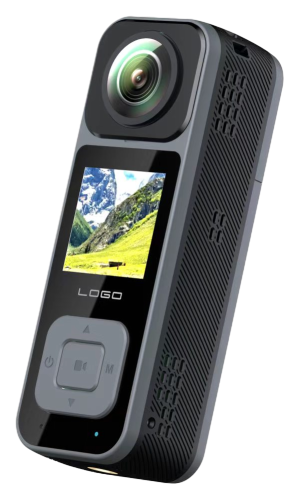
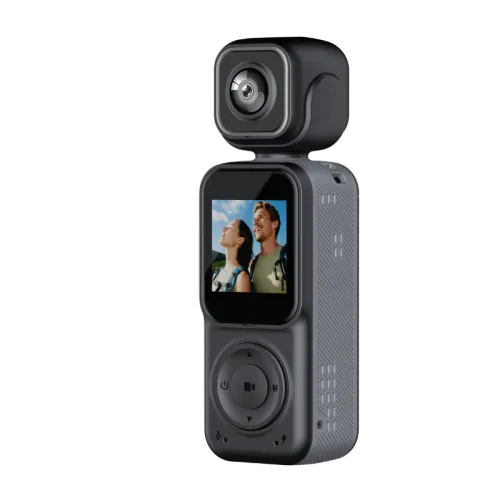
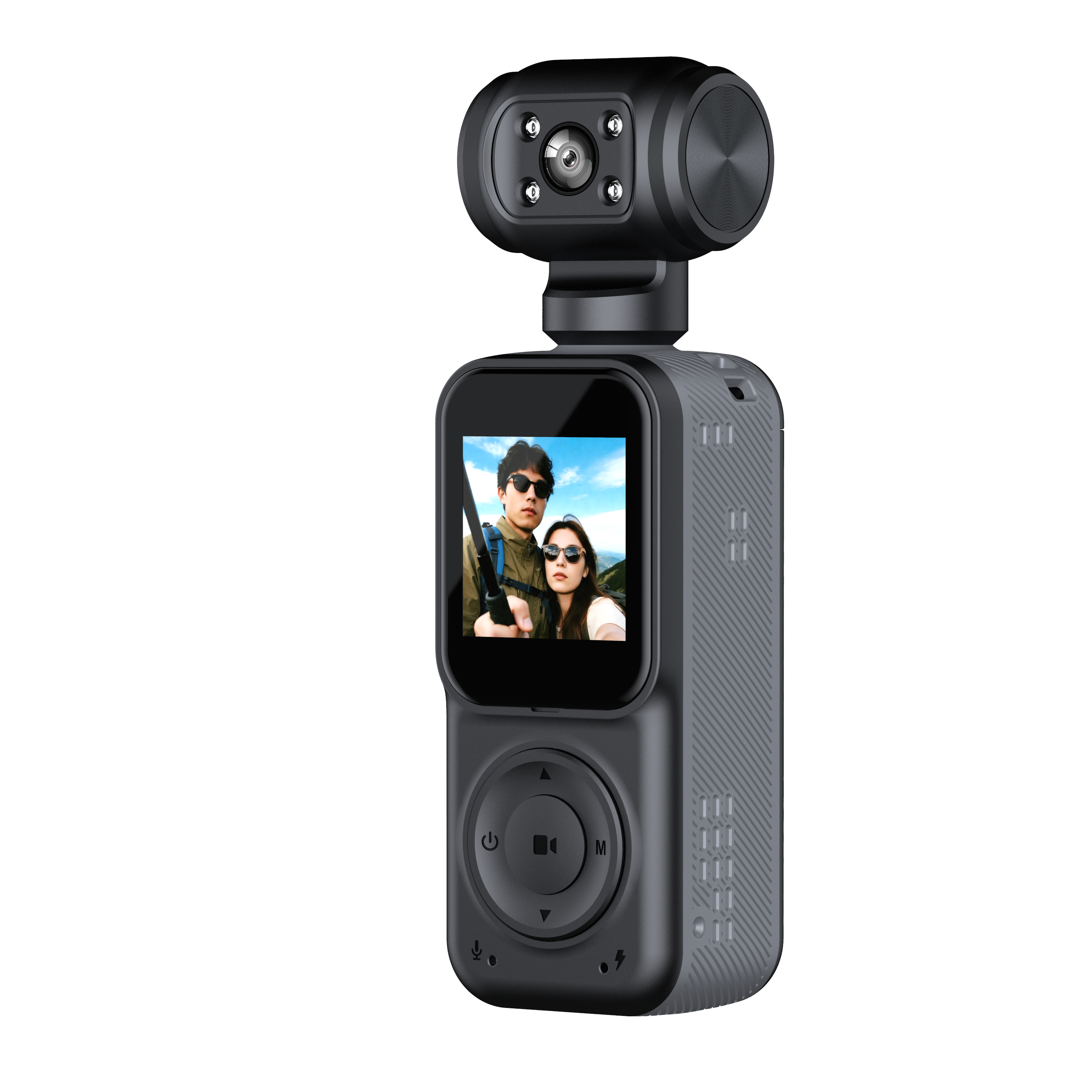
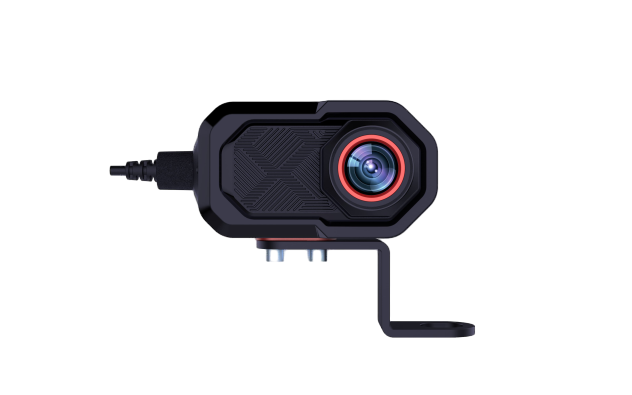
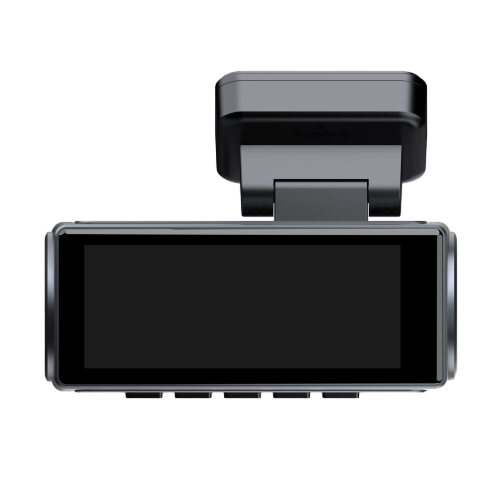
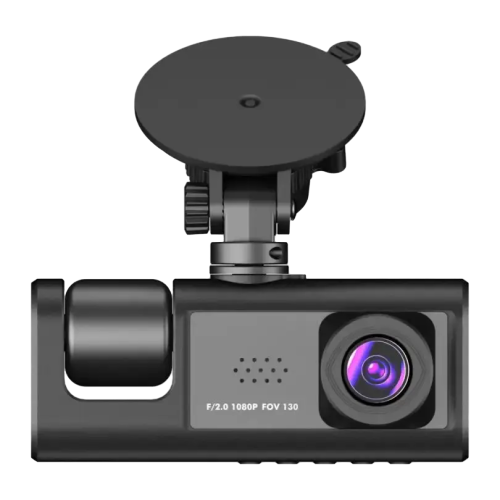
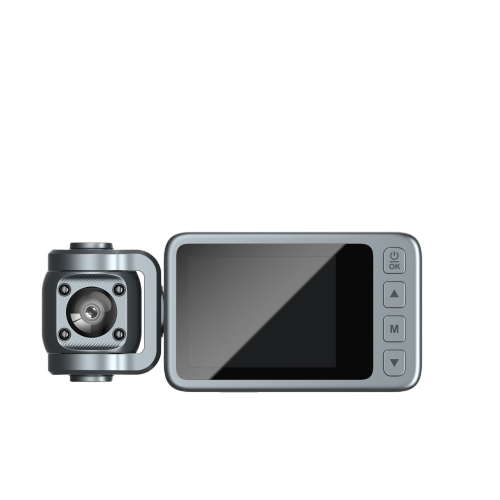
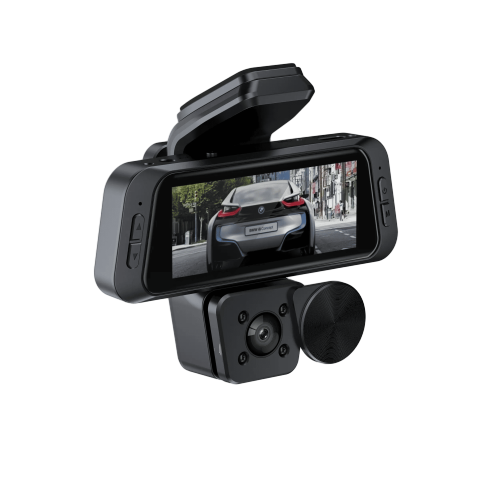
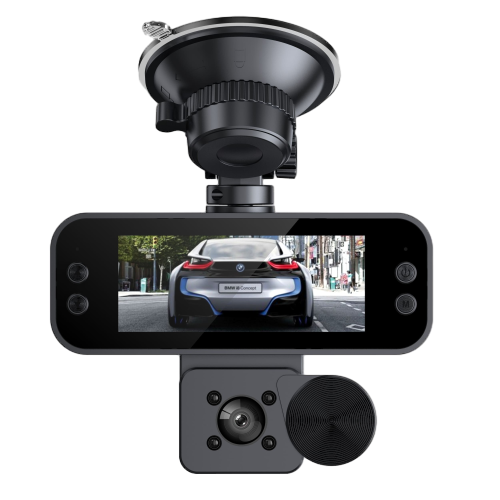
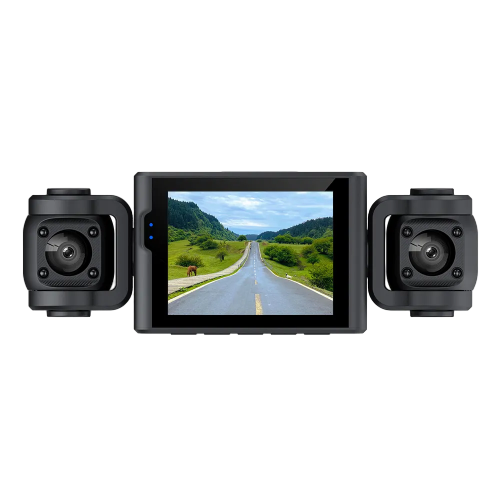
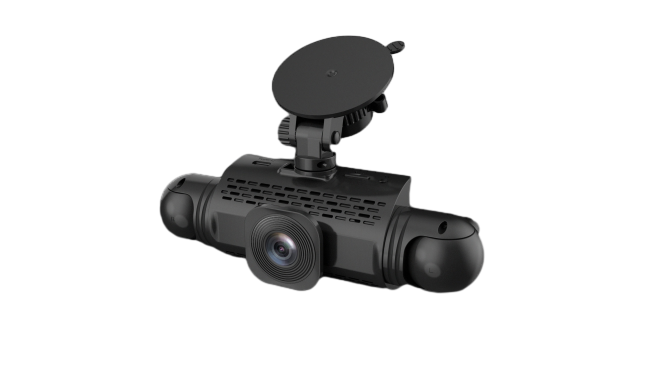
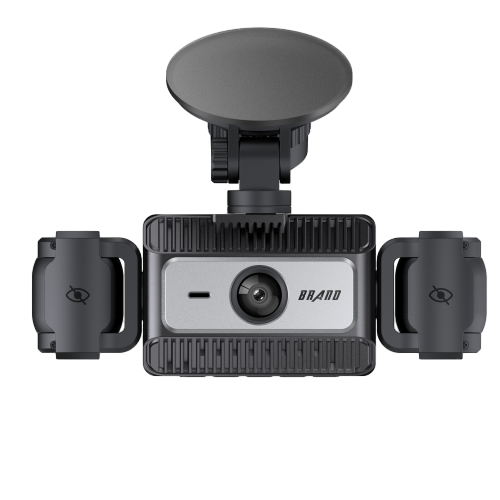
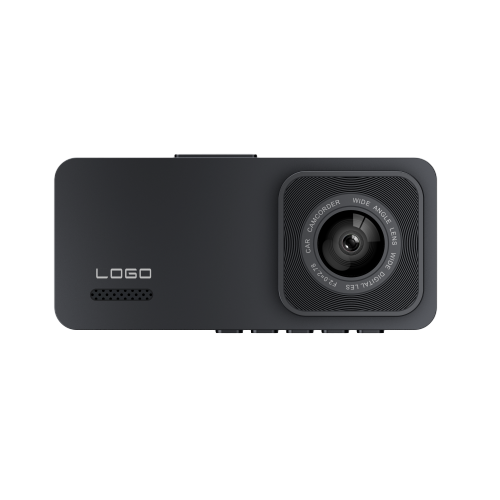
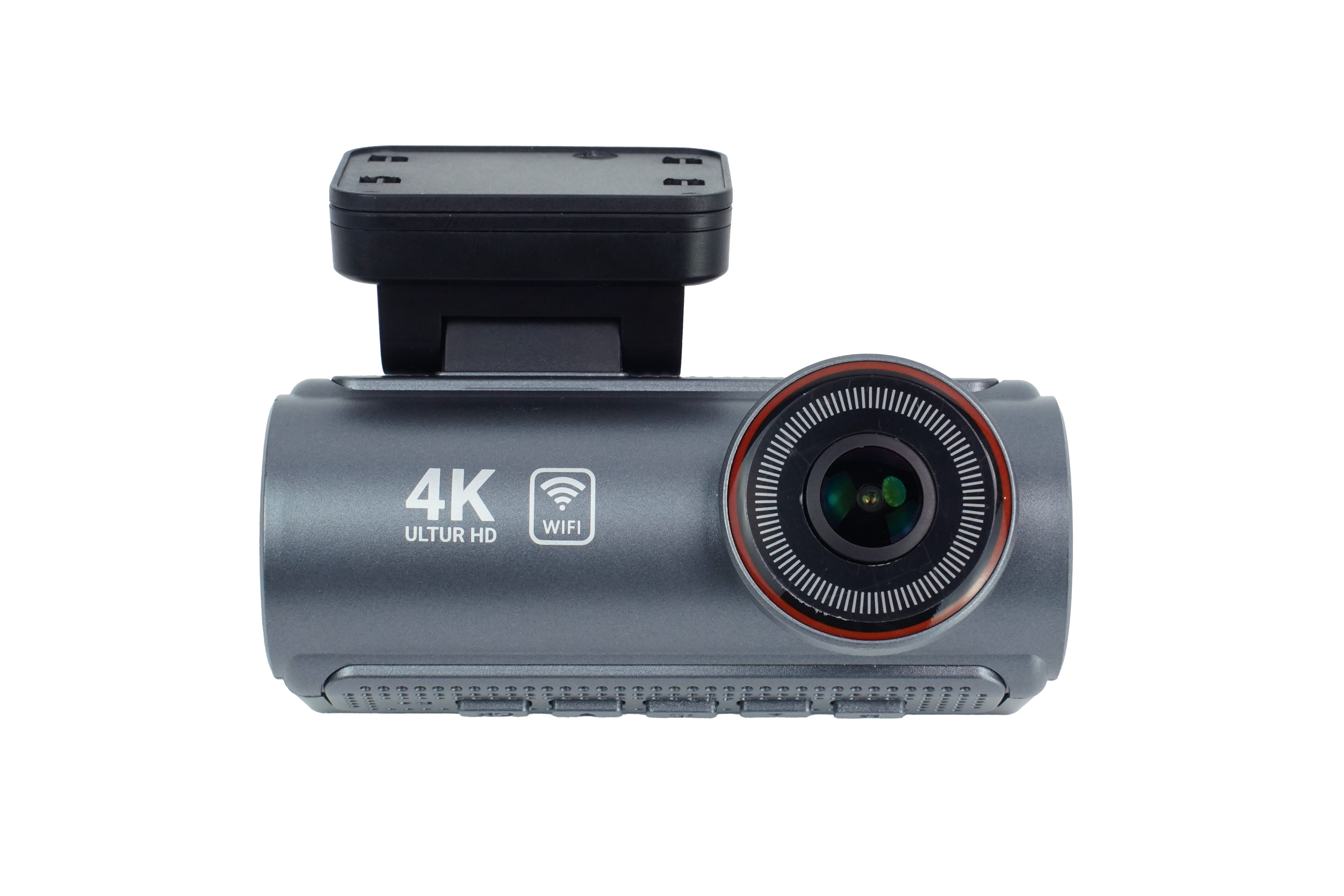
Parking mode is the feature buyers most often assume they have and most often discover they do not. The scenario is familiar: you return to a dented door or a scratched bumper, check the camera, and find that it only records while the ignition is on. The car was watched by a device that was switched off.
This guide explains what parking mode actually does, the three ways a camera can be triggered to record while parked, and the practical constraint that catches most buyers — a dashcam is not designed to run from its own tiny internal battery when the car is off. It closes with the storage reality: with a documented 64GB ceiling, a parking camera has a finite window in which an event can still be found.
What Parking Mode Actually Means
Parking mode means the camera continues to watch after the vehicle is switched off. It does not mean continuous recording by default, because a continuously recording camera would drain a car battery and fill the card. Instead, parking mode uses triggers.
Impact-triggered (G-sensor / gravity sensor). A built-in accelerometer detects a bump or jolt and wakes the camera to record. The specification sheet lists gravity sensors across the dashcam range — supported on D2-1, D3-1, S2Q, S8, S21, S22, S23Q, S31 and others, and marked "support/optional" on many more. This is the most common parking trigger because it only records when something happens.
Continuous low-power recording. The camera keeps recording at reduced frame rate or resolution while parked. This gives the fullest history but writes the most data and draws the most power.
Time-lapse recording. Frames are captured at a low rate and assembled into a fast-moving record of a long parked period. It stretches limited storage over many hours but sacrifices the detail needed to read a number plate.
| Trigger type | What it captures | Trade-off |
|---|---|---|
| Impact / G-sensor | A clip around each detected bump | Misses slow scrapes with no jolt |
| Continuous low-power | Everything, at reduced detail | Highest power and card use |
| Time-lapse | A compressed overview of a long period | Too little detail to identify anyone |
Three parking-mode strategies. Most buyers want impact-triggered recording; few realise a slow scrape produces no jolt.
The Power Reality: Why a Hardwire Kit Matters
Here is the fact that decides whether parking mode works for you: the internal battery in the recording models is documented at around 150mAh. A cell that small is a clock-and-settings backup, not a power source for recording. It cannot run the camera for a meaningful parking period on its own.
The internal cell is not the parking power supply. A camera cannot watch your parked car from its own 150mAh battery — that cell exists to preserve settings and time. Parking operation requires a connection to the vehicle power system.
In practice this means a hardwire connection — a kit that draws from the car battery and steps it down to the camera, usually with a low-voltage cut-off so the car can still start. The specification sheet confirms parking-mode support on the models listed in section one, but it does not include a hardwire kit in the camera box. Buyers should plan for it as a separate item.
A second consequence is vehicle-battery health. Any device left powered while parked draws current. A low-voltage cut-off is not an optional refinement; it is what prevents a camera from draining the starting battery over a long airport stay. Confirm the cut-off behaviour before specifying a fleet-wide fit.
Storage: The Window Is Still Finite
Even with power solved, storage sets a hard limit. The dashcam models in the specification sheet are documented with 16GB, 32GB and 64GB card options — 64GB is the documented maximum. There is no larger-card route in the specification.
That matters more in parking mode than while driving, because an event may happen hours before you notice it. The question is not "does the camera record" but "is the clip still on the card when you check." The 64GB retention calculation works the window out from bitrate and channel count. A long parked period plus a short retention window means the evidence is overwritten before the owner returns.
Two practical responses follow. First, use event locking so that an impact-triggered clip is protected from the loop overwrite. Second, set a realistic expectation: a parking camera protects a limited recent window, not an indefinite archive. If a vehicle sits for days between checks, no 64GB configuration will hold a week of continuous parking footage.
A Pre-Purchase Checklist
Four checks before buying parking mode:
- Is parking mode supported on the exact model? The specification lists it on many, but marked "support/optional" on some — confirm the SKU.
- Will you fit a hardwire kit with a voltage cut-off? Without it, the feature does not work and the car battery is at risk.
- What trigger do you need? Impact detection misses slow scrapes; continuous recording costs more power and card space.
- How long until you check the car? Match the retention window to the interval between checks.
For the wider fleet context, the guides to multi-channel dashcams for fleets and night-time plate legibility cover related decisions. If impact detection and GPS location both matter for your use case, models such as D2-1 and D3-1 are documented with gravity sensors, parking mode and GPS.
Specifying Parking Surveillance?
Tell us the vehicle type, how long it sits parked, and whether you need impact detection or continuous coverage. We will confirm which documented models support parking mode and what power and storage setup they need.
Ask About Parking Mode →Parking-mode support and card capacities follow the product specification sheet. Confirm the exact model configuration and local electrical fitting requirements before installation.

.jpg?imageMogr2/format/webp)